Online Game
Setting up the game
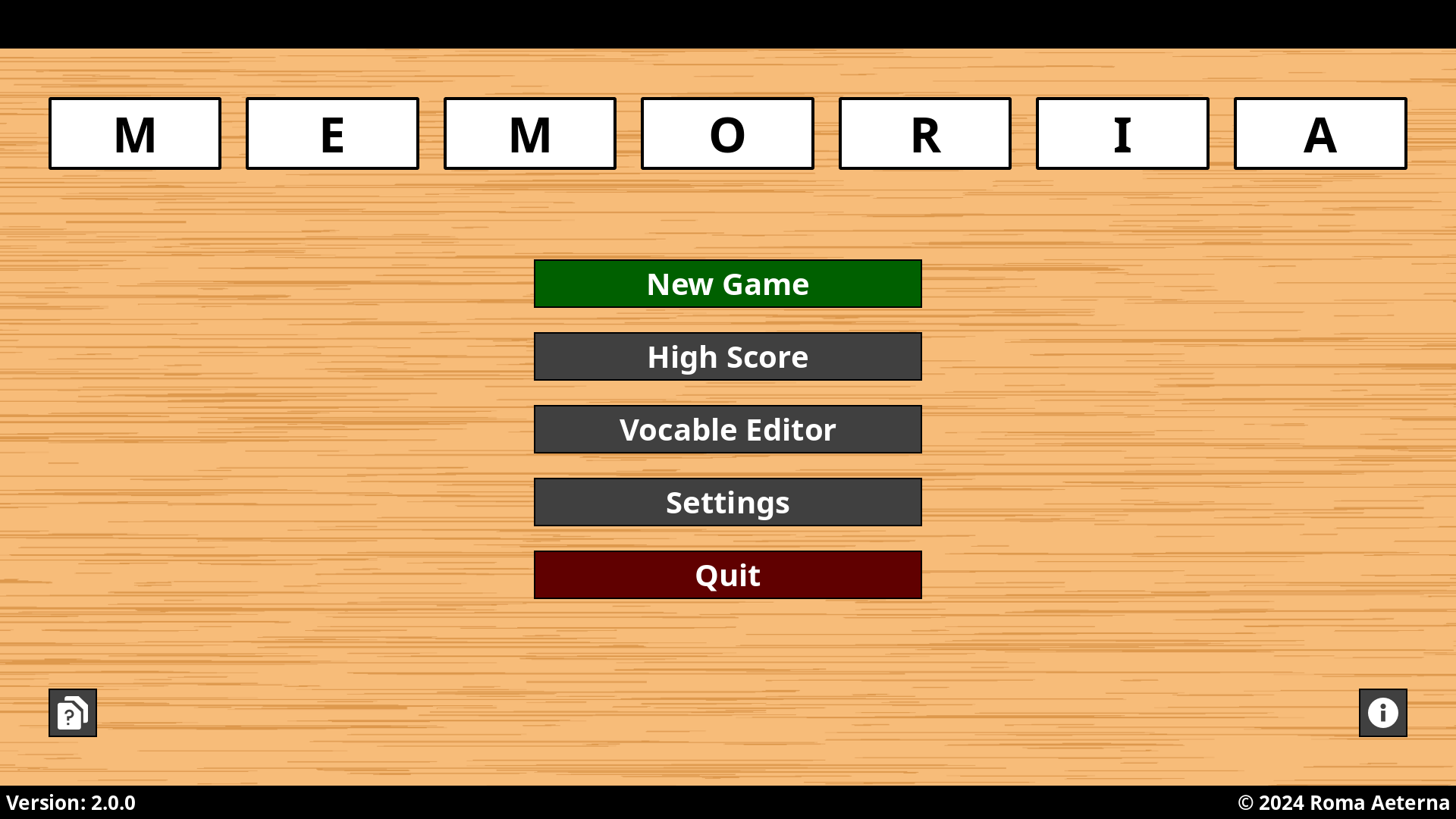
After starting the game you’ll see the main window of the application. Click the button “New Game” to open the setup screen.
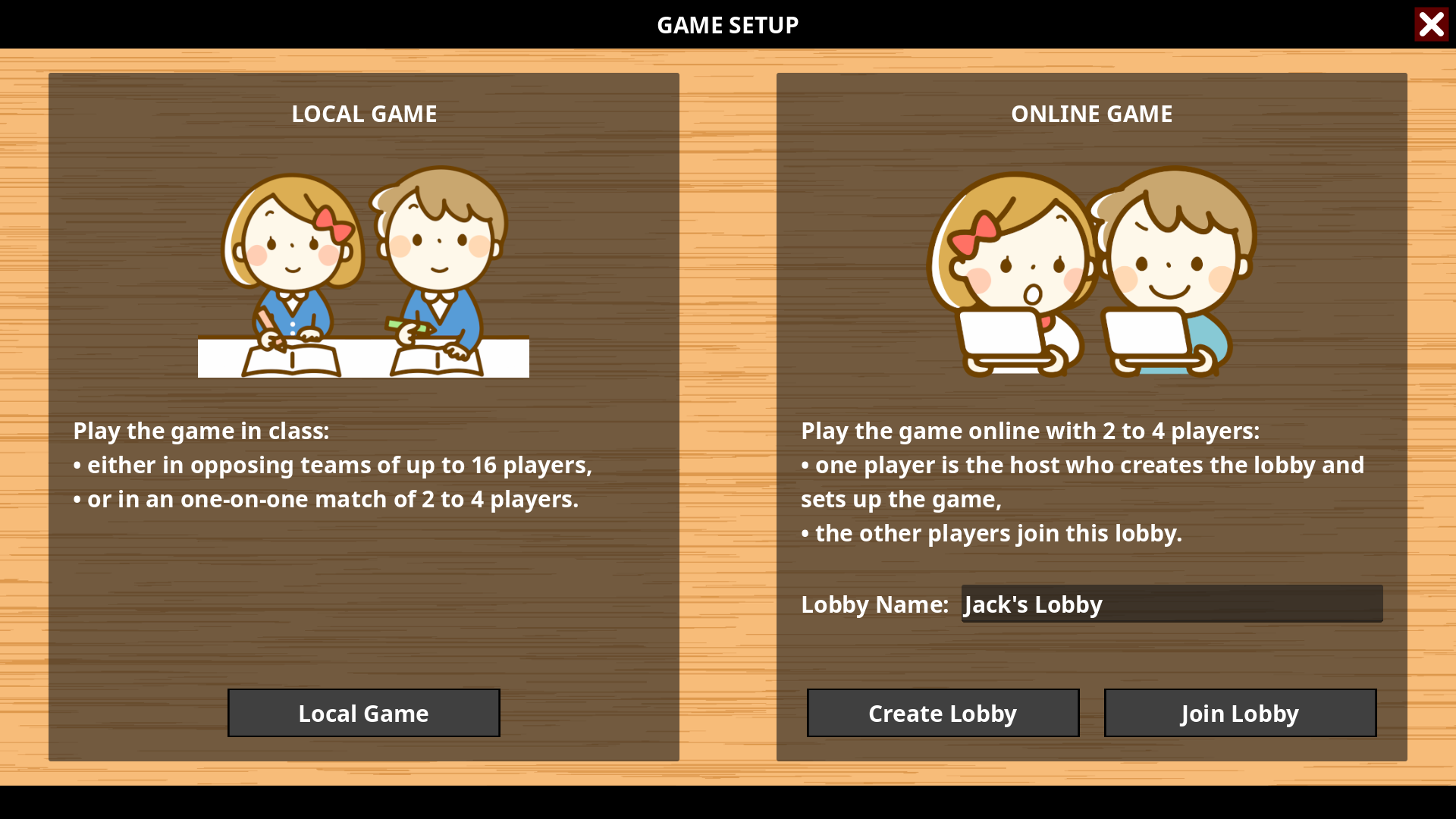
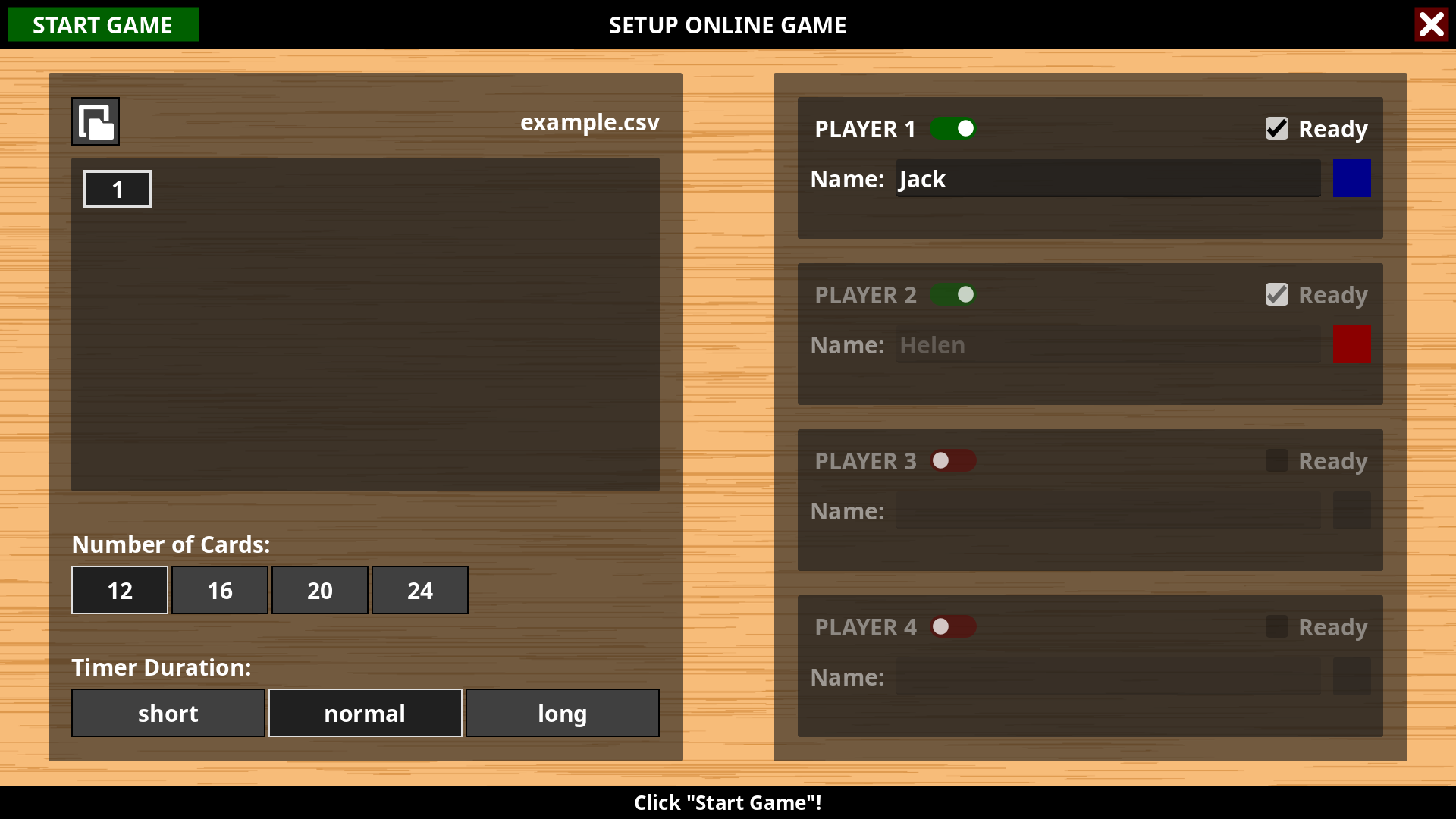
Type in the name of the lobby you want to either create or join. The online game mode can be played by 2 to 4 players.
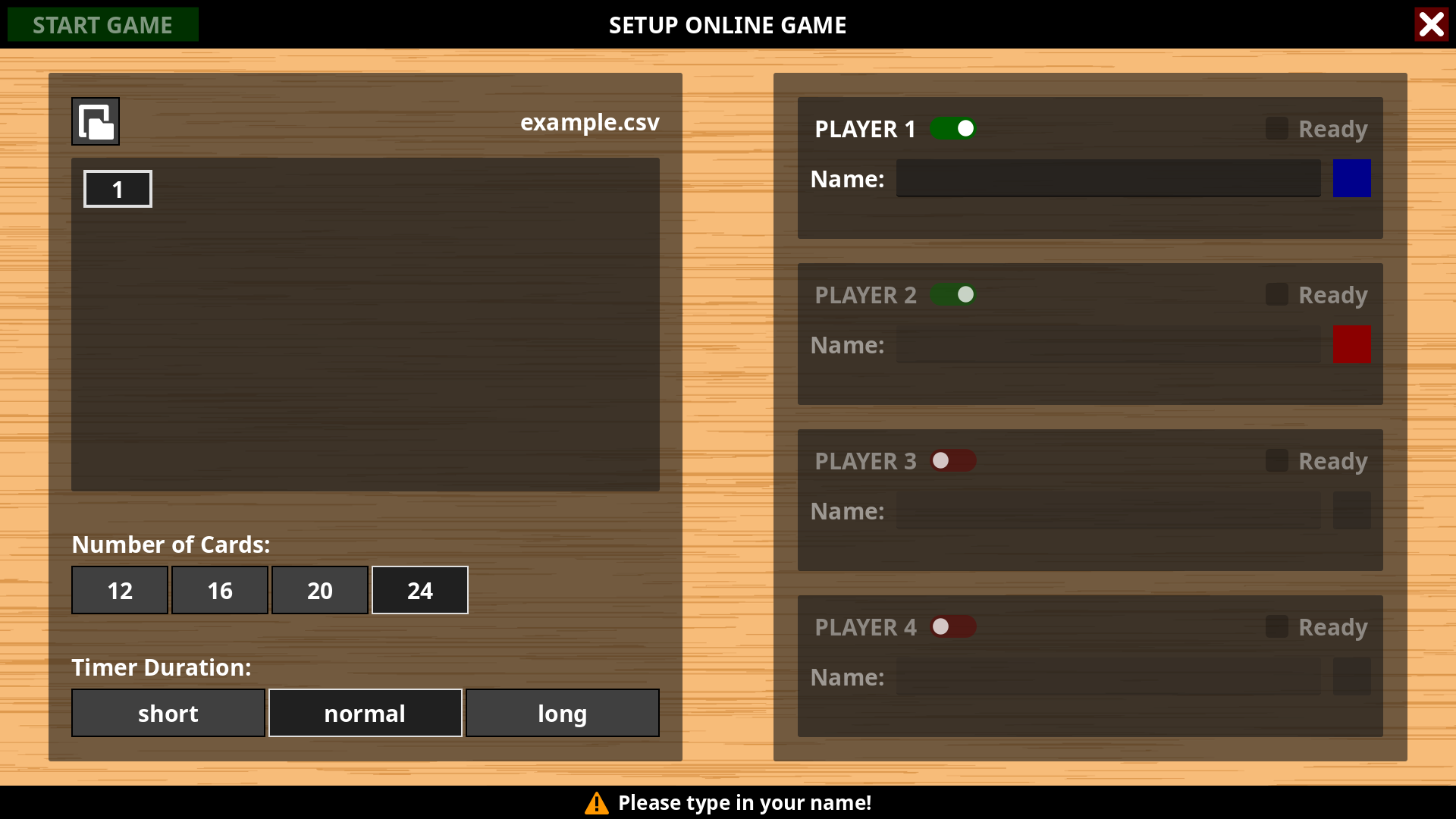
Once you’ve created the lobby, you’ll need to set up the game as a host:
Click the button at the top left and navigate to the file you want to open. Then choose the units you want to repeat.
Set the number of cards and the timer duration.
Enter your name, select your color and click the “Ready” button.
Click the button “Start Game” when all players are ready.
If you’ve joined the lobby, all you need to do is enter your name, select your color and click the “Ready” button.
Playing the game
The online game is turn-based. You’ll find the name of the active player in the header bar, the score and statistics at the bottom of the window.
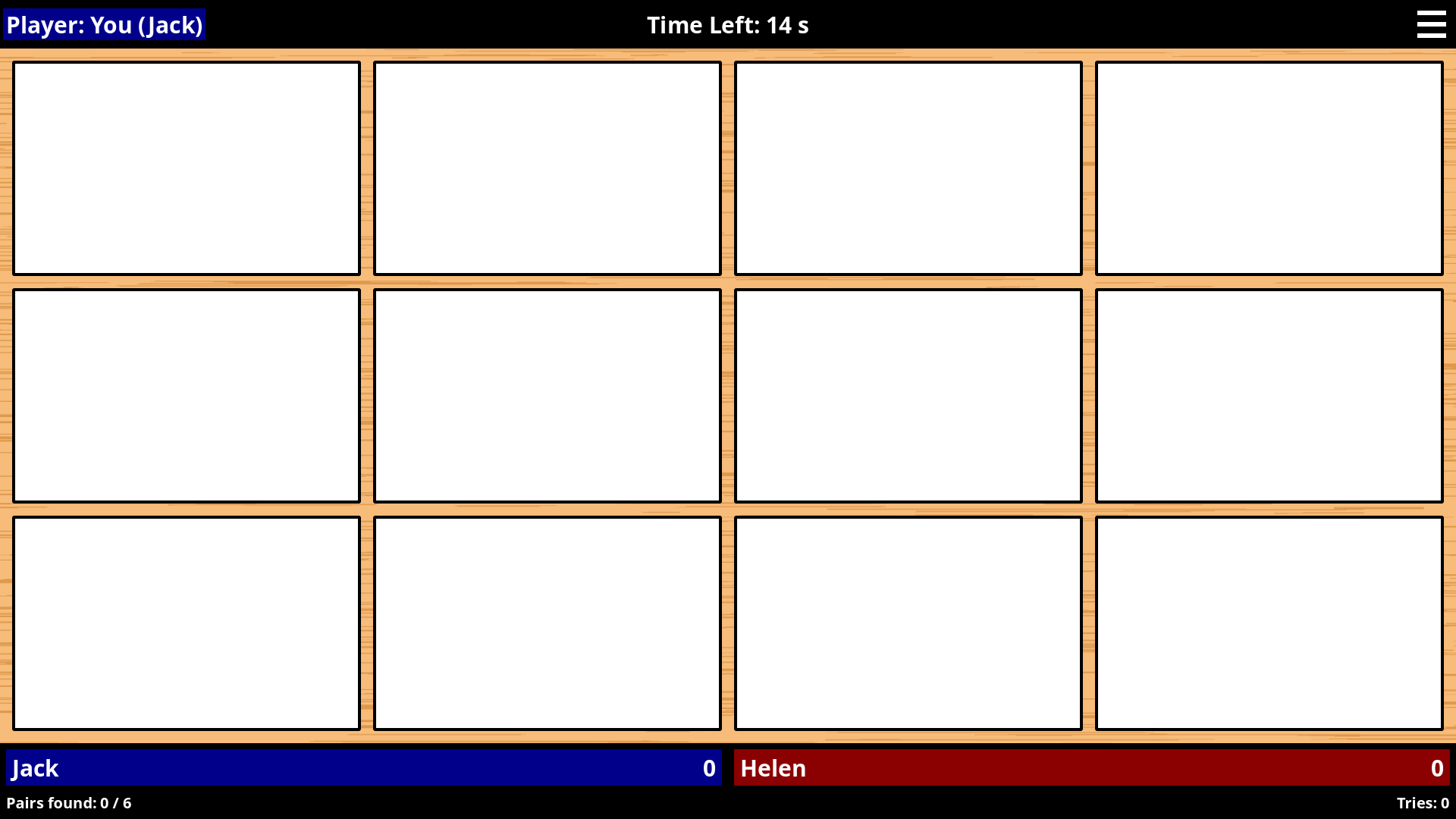
Try to find a vocable and its translation by clicking on two white rectangels. You only have a limited amount of time which is shown above. If you found a matching pair, the rectangels are highlighted by the player’s color and you can go on. Otherwise it’s the turn of the next player.
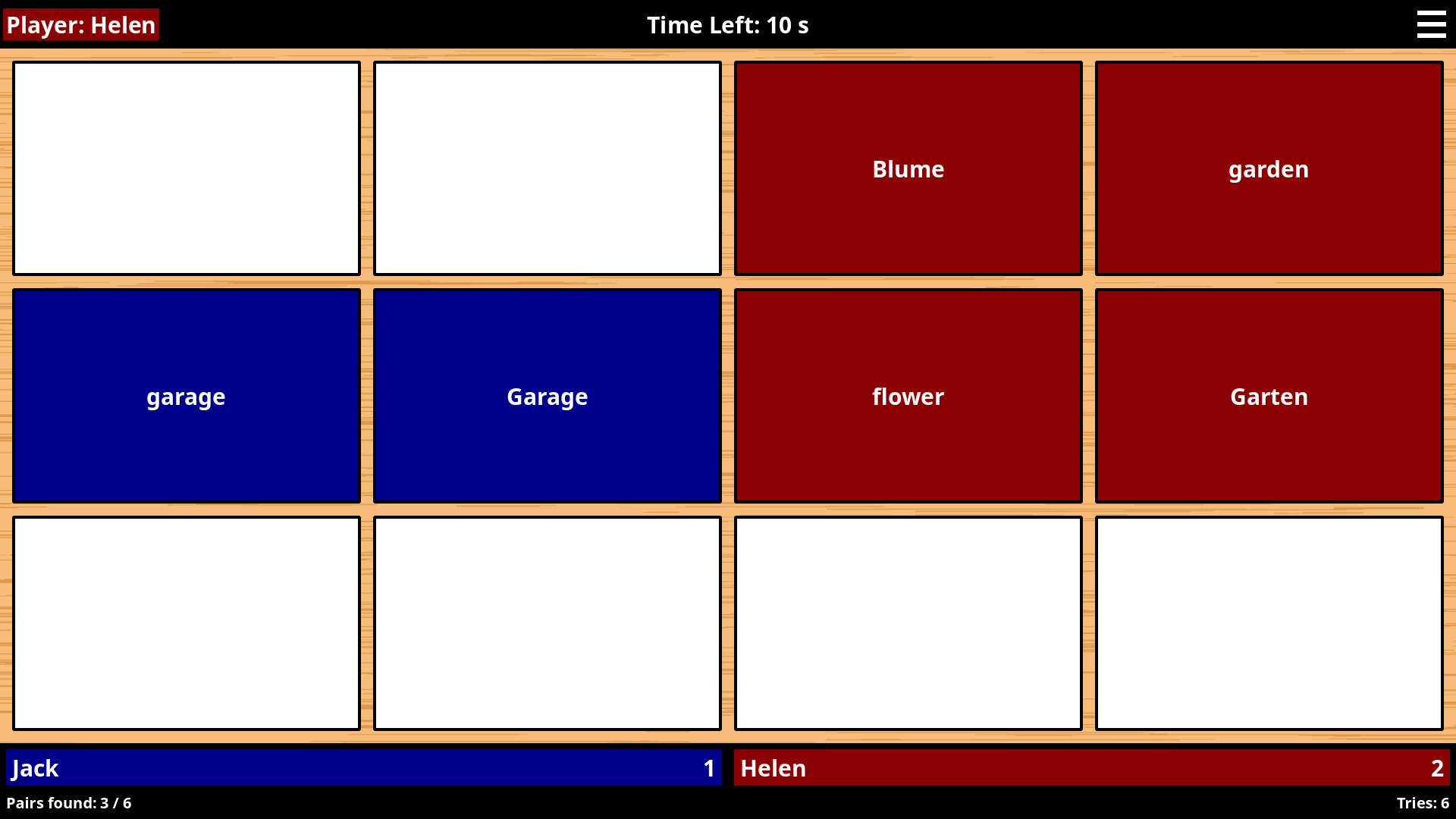
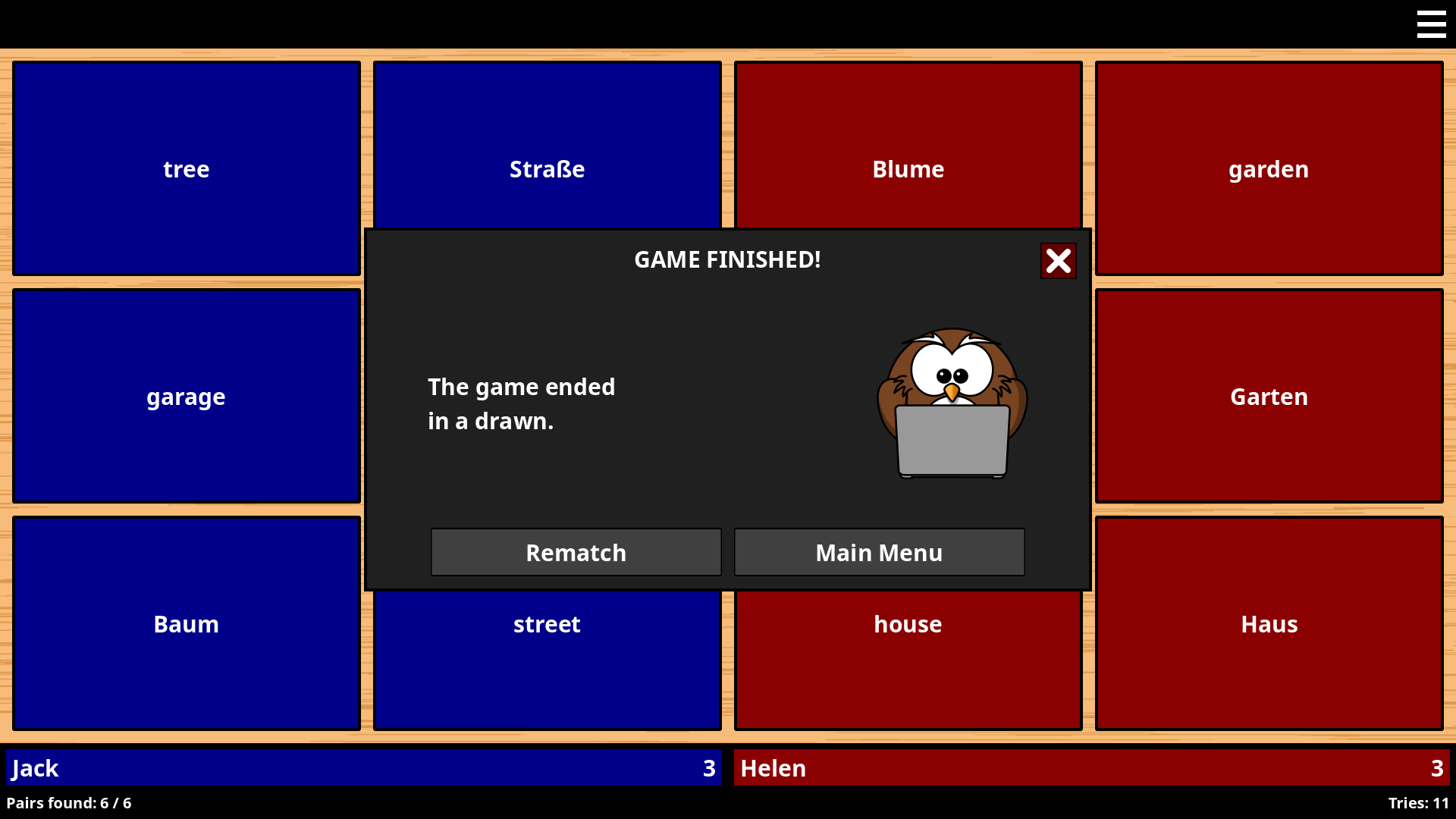
The player who found most matching pairs wins the game.